Deposit Checks from Anywhere with Mobile Deposit
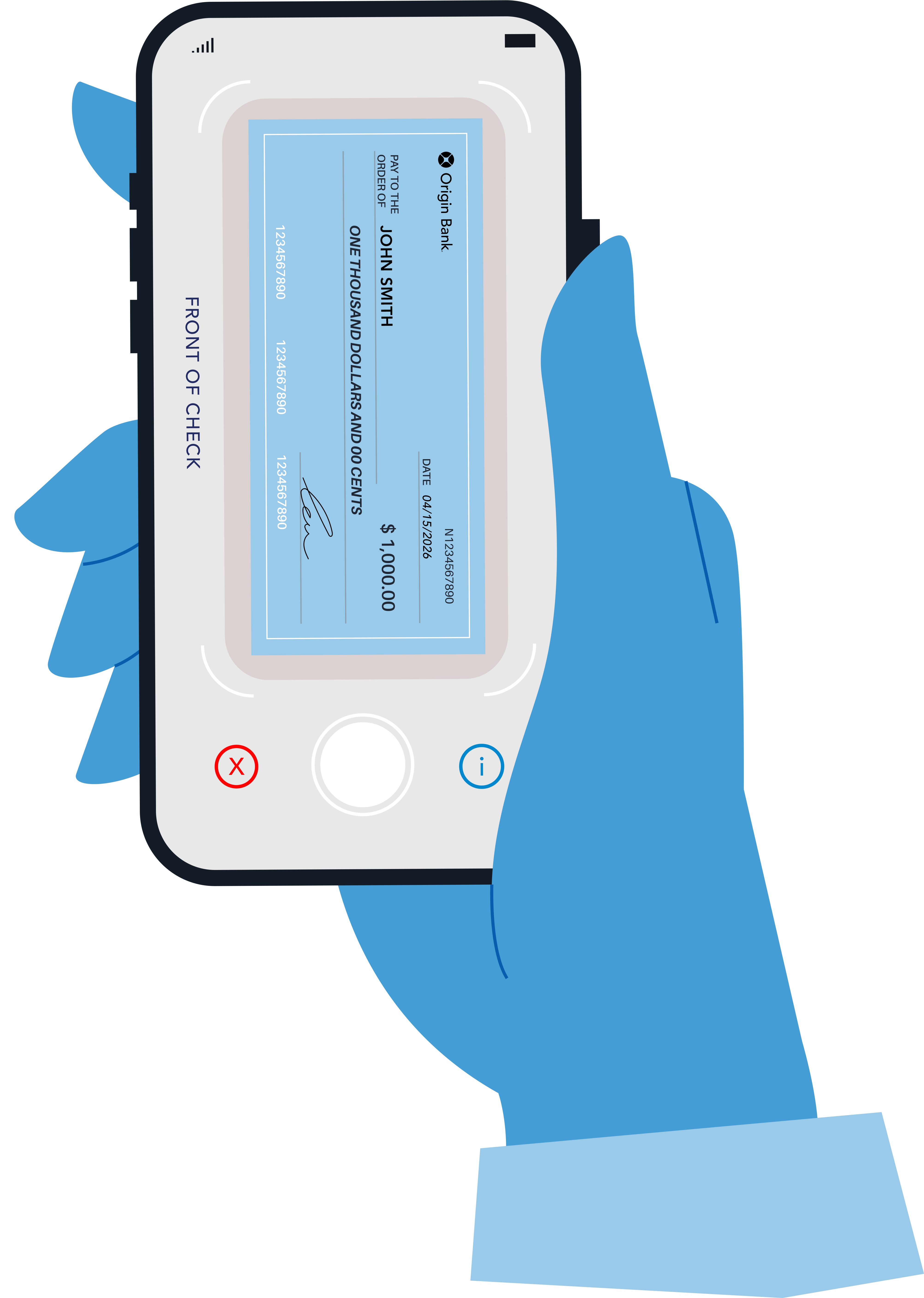
With Mobile Deposit, depositing a check is quick, secure, and easy—right from your phone. Simply log into our mobile app, take a photo of the front and back of your check, and submit it for deposit. We’ll take care of the rest. It’s banking designed to fit your schedule.
Please Note: Mobile deposits that are not properly endorsed may be declined. These endorsement requirements are necessary steps that help reduce the risk of check fraud and protect all parties involved with processing your deposit. If a deposit is declined, you may be asked to correct the endorsement and resubmit the item or visit a banking center for assistance.
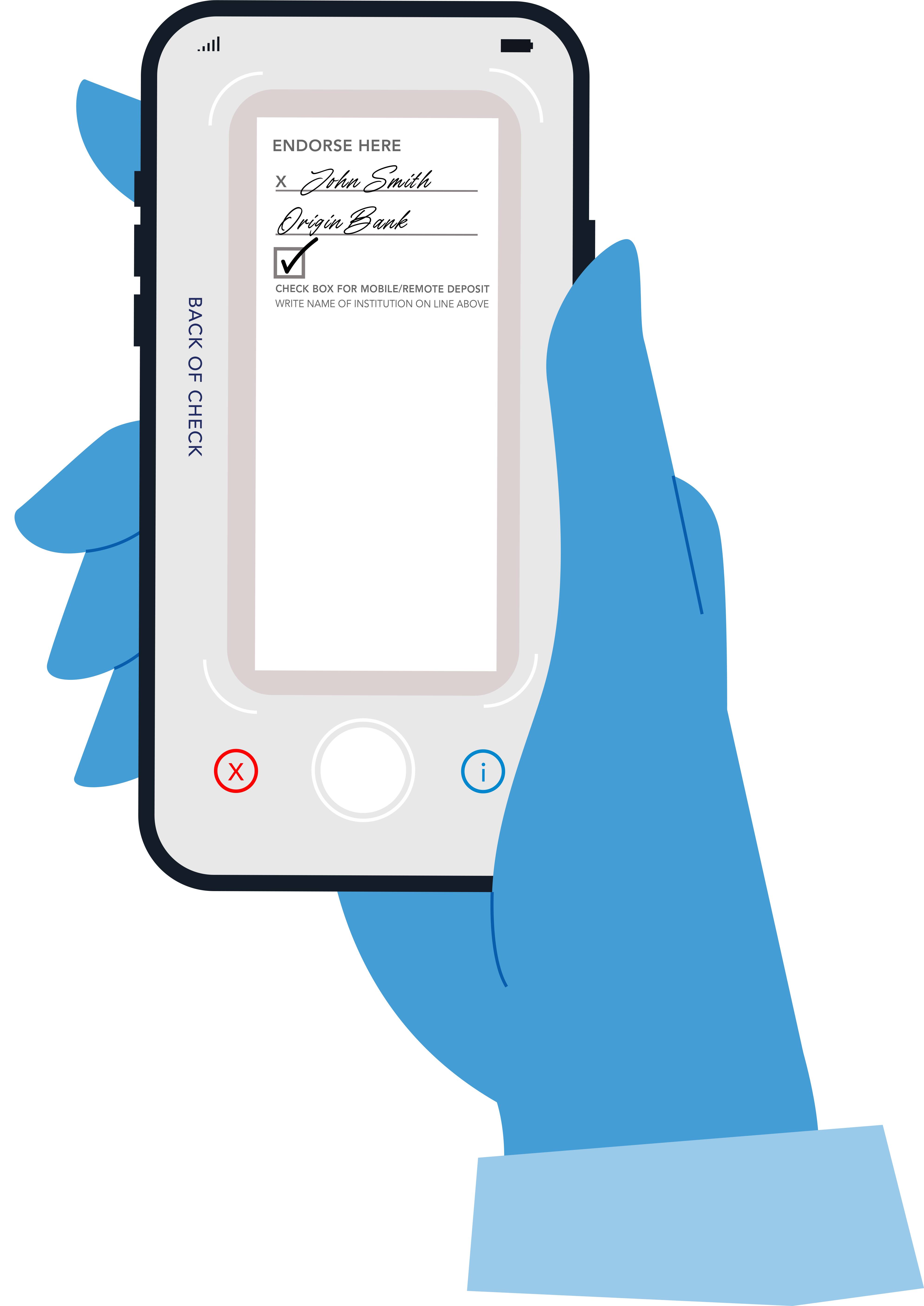
How to Endorse Your Check
To avoid delays, checks must be endorsed correctly before submitting them through Mobile Deposit.
For Personal Checks
On the back of the check, please:
- Sign your name
- Check the mobile deposit box, if one is provided.
- If there is not a check box, write the words “For mobile deposit only”
- Write your bank name
For Business Checks
Please include the following items in the endorsement area:
- Sign your business name
- Check the mobile deposit box, if one is provided.
- If there is not a check box, write the words “For mobile deposit only”
- Write your bank name
Important rules for Business Checks:
- The person endorsing must be authorized on the business account
- Sign exactly as the business name appears on the check
Helpful Reminders
- Use blue or black ink
- Stay within the endorsement area
- Do not write on the front of the check
- All payees must endorse the check before depositing
- Take a clear, high-quality photo